
All-in-One AI Video Generator
Create videos with audio using Veo 3.1, Veo 3, Wan 2.5, Wan 2.2, Kling AI, Hailuo AI, Pika AI, Seedance, Runway Gen-4, Vidu Q2, Grok Imagine, Luma, Pixverse V5 models.
Meet the new video models
Create with MiniMax H3 or Seedance 2.5 in the studio.
Try one of our AI Photo Tools New
13 single-purpose tools tuned for one job each. Click, upload, get a result in seconds.
What is For Video AI?
For Video AI is an ultimate, all-in-one AI video platform. In addition to our flagship models, we offer access to multiple industry-leading video generator models, all at one single place. Experiment with these models and choose the right one for your video creation!
Choose Your AI Model
Multiple industry-leading models available for your creative needs
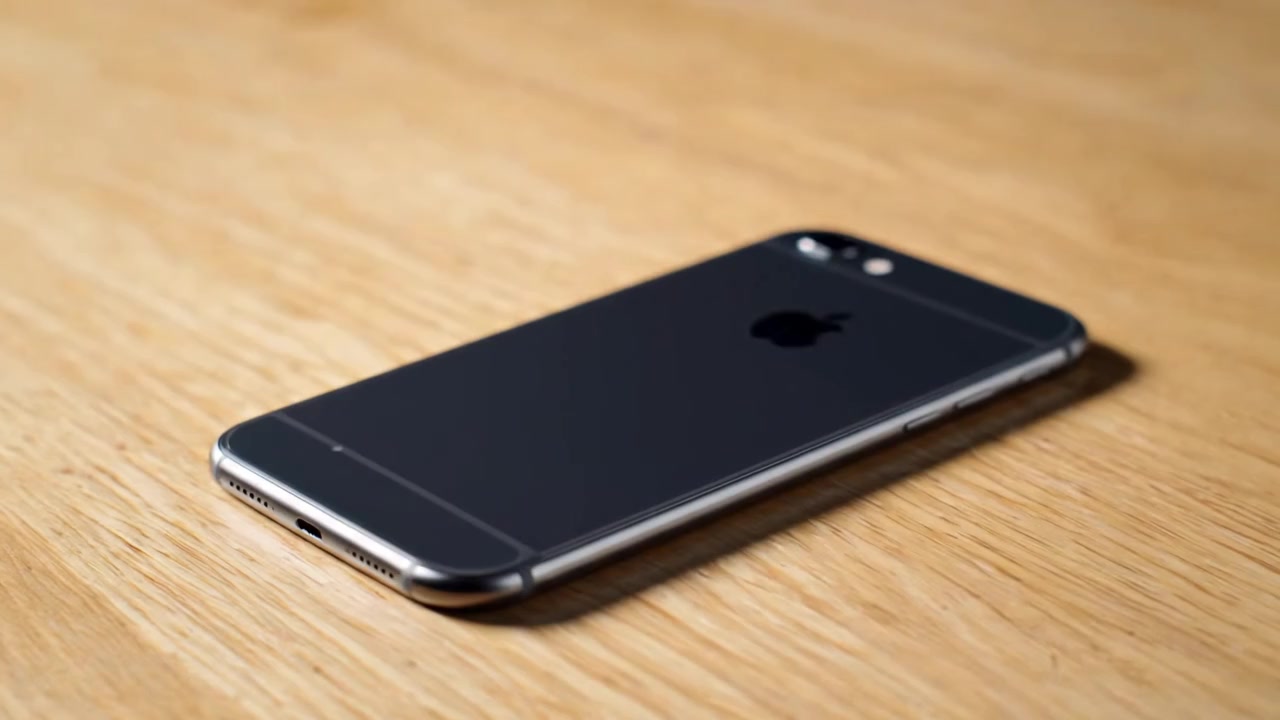

Veo 3
Google's Most Advanced Video AI with Sound
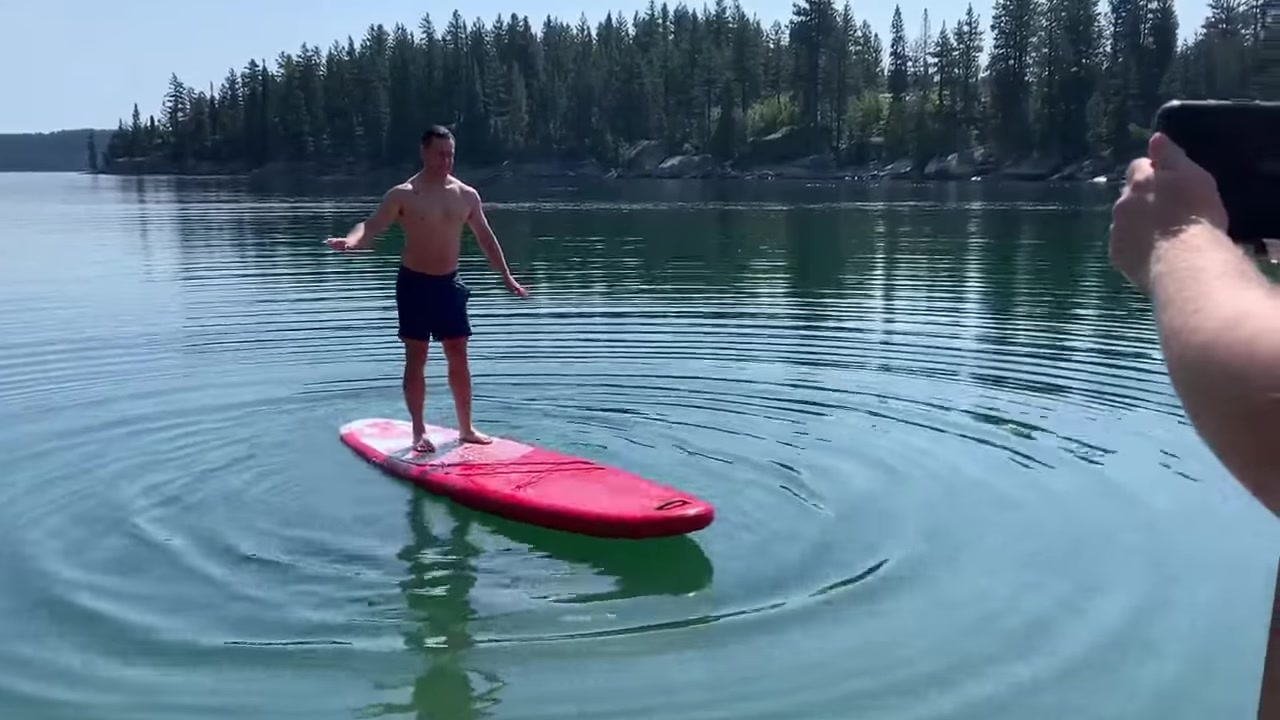
Veo 3.1
Google's Latest Video AI with Enhanced Capabilities
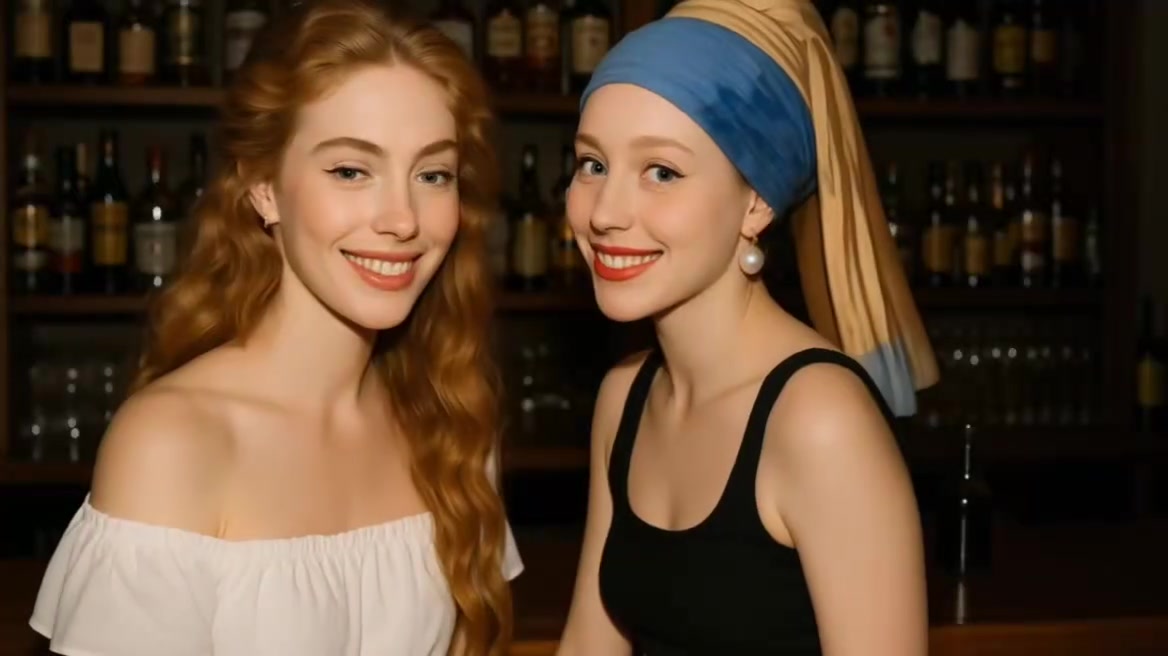

Kling AI
Enhanced Visual Realism and Superior Motion Fluidity
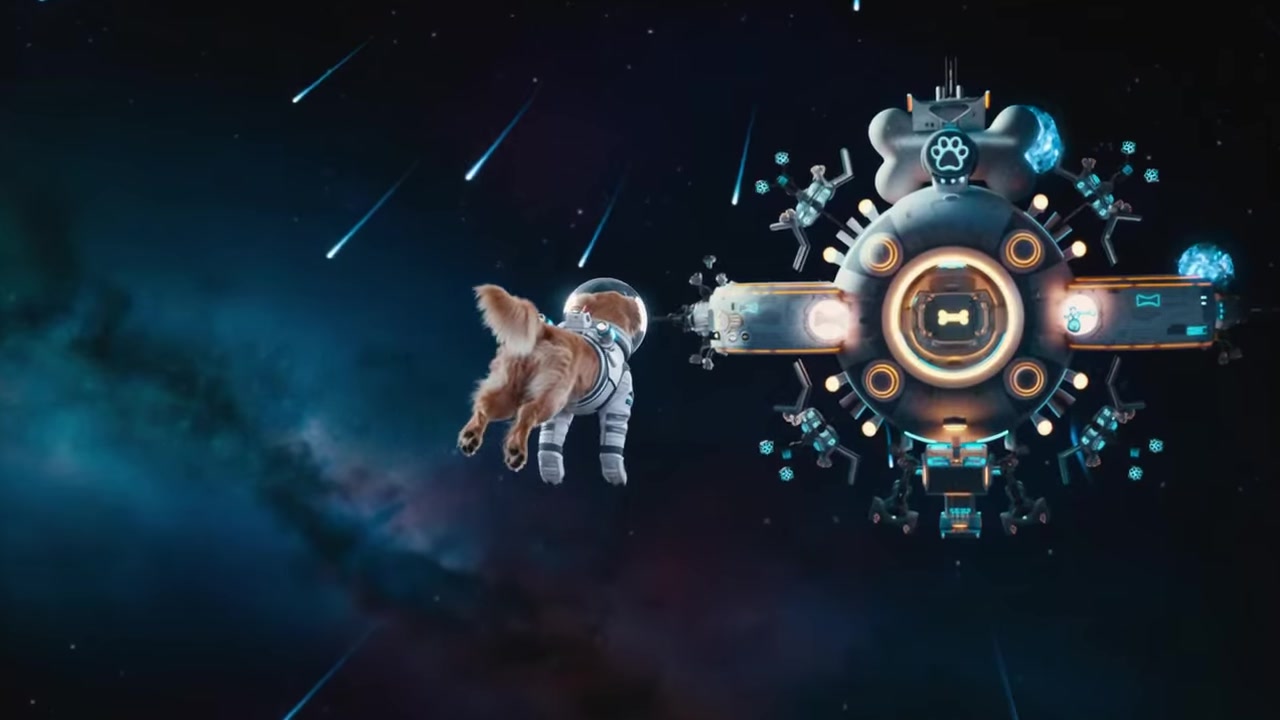
Kling 2.5 Turbo
Ultra-Fast Video Generation with Stunning Quality

Kling 2.1
Balanced Performance and Quality
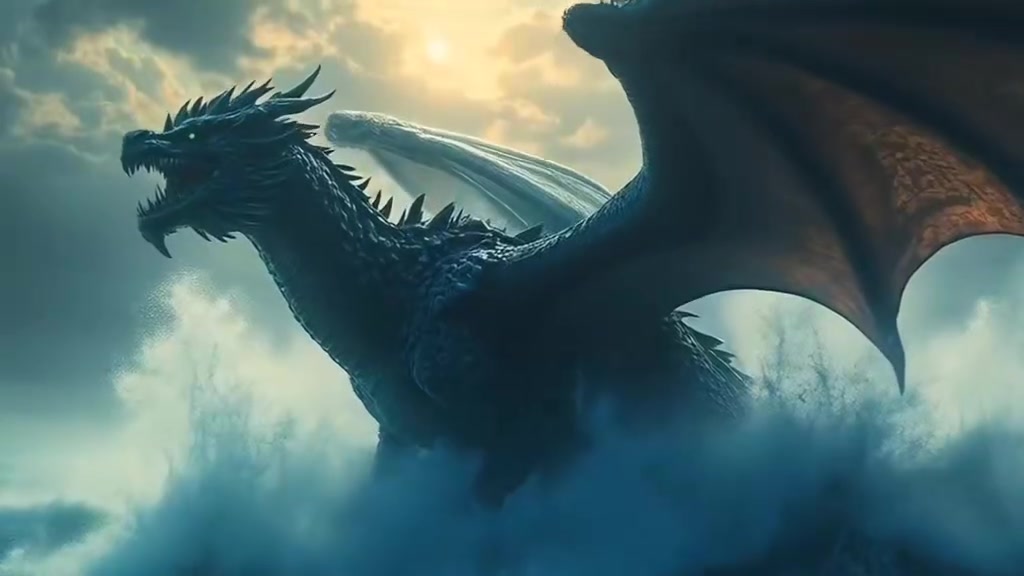

Hailuo AI
Fast Generation with Excellent Prompt Adherence
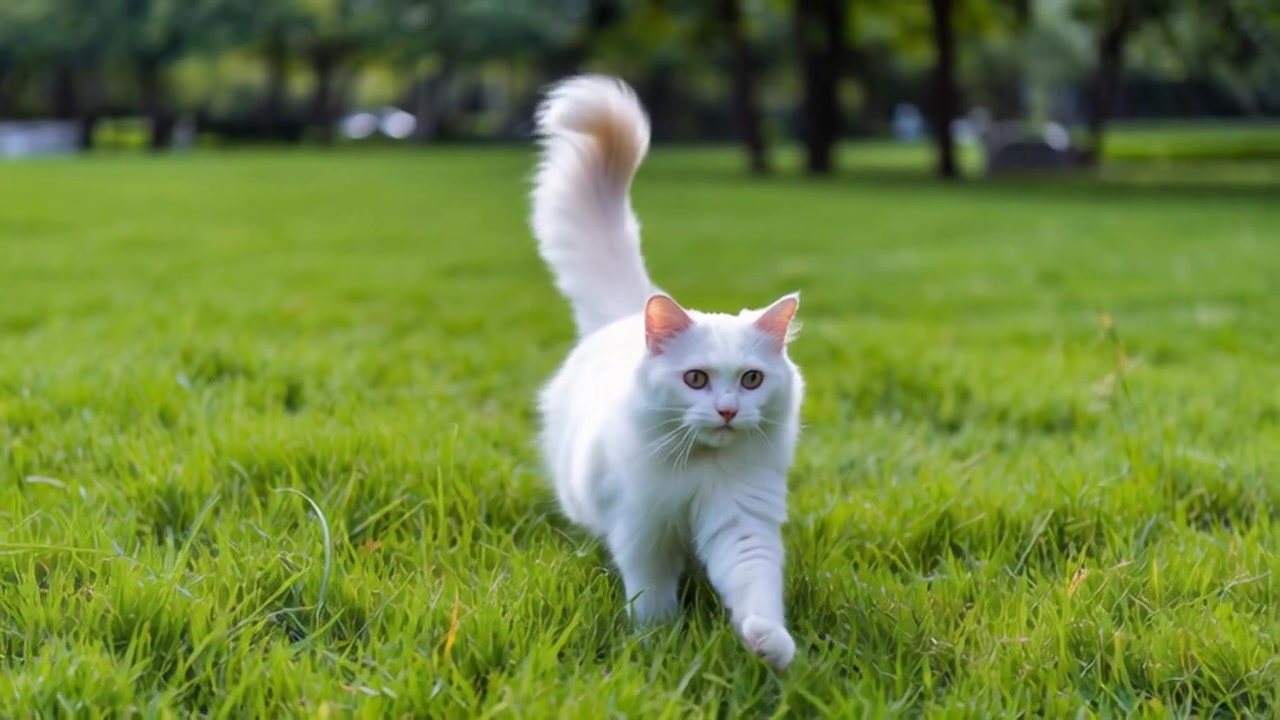

Wan 2.2 Video
Flexible AI Video Generation with Custom Aspect Ratios and Resolutions
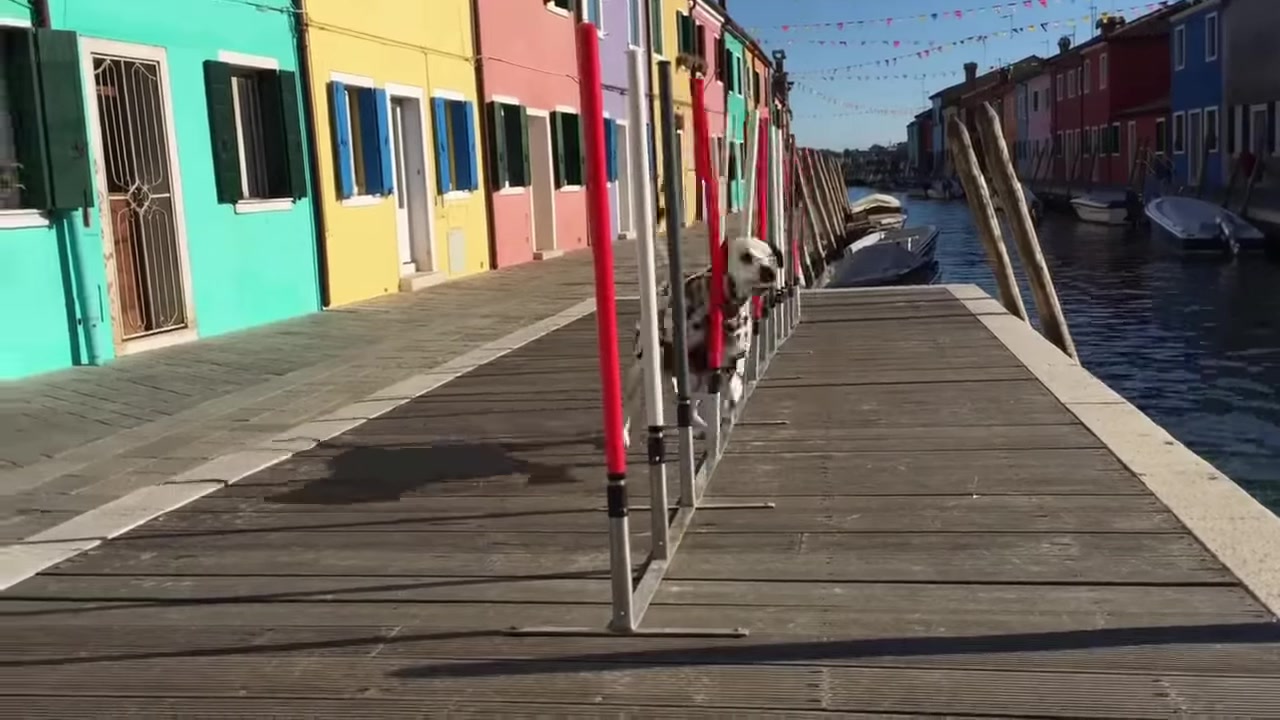
Wan 2.5 Video
Advanced AI Video with Enhanced Resolution Support
Why use For Video AI?
The ultimate platform for AI video generation with multiple industry-leading models
Multiple AI Models
Access Veo 3.1, Kling AI, Hailuo AI, Wan, Pika, Runway, and more. Choose the perfect model for your creative needs.
Videos with Sound
Generate videos with synchronized audio, dialogue, and sound effects for truly immersive content.
Professional Quality
Create cinema-grade videos with stunning visual quality, realistic physics, and smooth motion.
Creative Control
From text to video, image to video, and visual effects - full creative freedom at your fingertips.
Easy to Use
Intuitive interface designed for creators of all skill levels. No technical expertise required.
Flexible Pricing
Pay-as-you-go credits system. Only pay for what you use with competitive pricing.
How to Use For Video AI
Create stunning AI videos in just a few simple steps
Choose Your Model
Select from Veo 3.1, Kling AI, Wan, or other models based on your needs
Enter Your Prompt
Describe your video in text or upload an image to animate with AI
Customize Settings
Choose duration, aspect ratio, and add visual effects if desired
Generate & Download
Click generate, wait for AI to create your video, then download and share
Frequently Asked Questions
How do I get credits?
Please visit our Pricing page to see how to obtain Credits. We offer a variety of flexible purchasing options for you to choose from.
What's the difference between For Video AI models?
Veo 3 (Veo3): Highest quality with audio, dynamic lighting, and 3D camera motion. Best for pros. Kling AI: Enhanced visual realism and superior motion fluidity. Hailuo AI: Fast generation with excellent prompt adherence.
Why does my video take longer to generate?
Advanced AI models use complex physics simulations and higher resolution, requiring more server resources.
Is my text prompt kept private?
All inputs are encrypted and never shared with third parties.
Can others see the videos I generate?
No. All generated videos are stored exclusively in your personal account by default. No other users or the platform can view your content. We use end-to-end encrypted storage and enforce strict permission controls to protect your privacy. Your creations remain entirely private.