
Best Image-to-Image AI in 2026: Edit, Remix and Restyle Any Photo
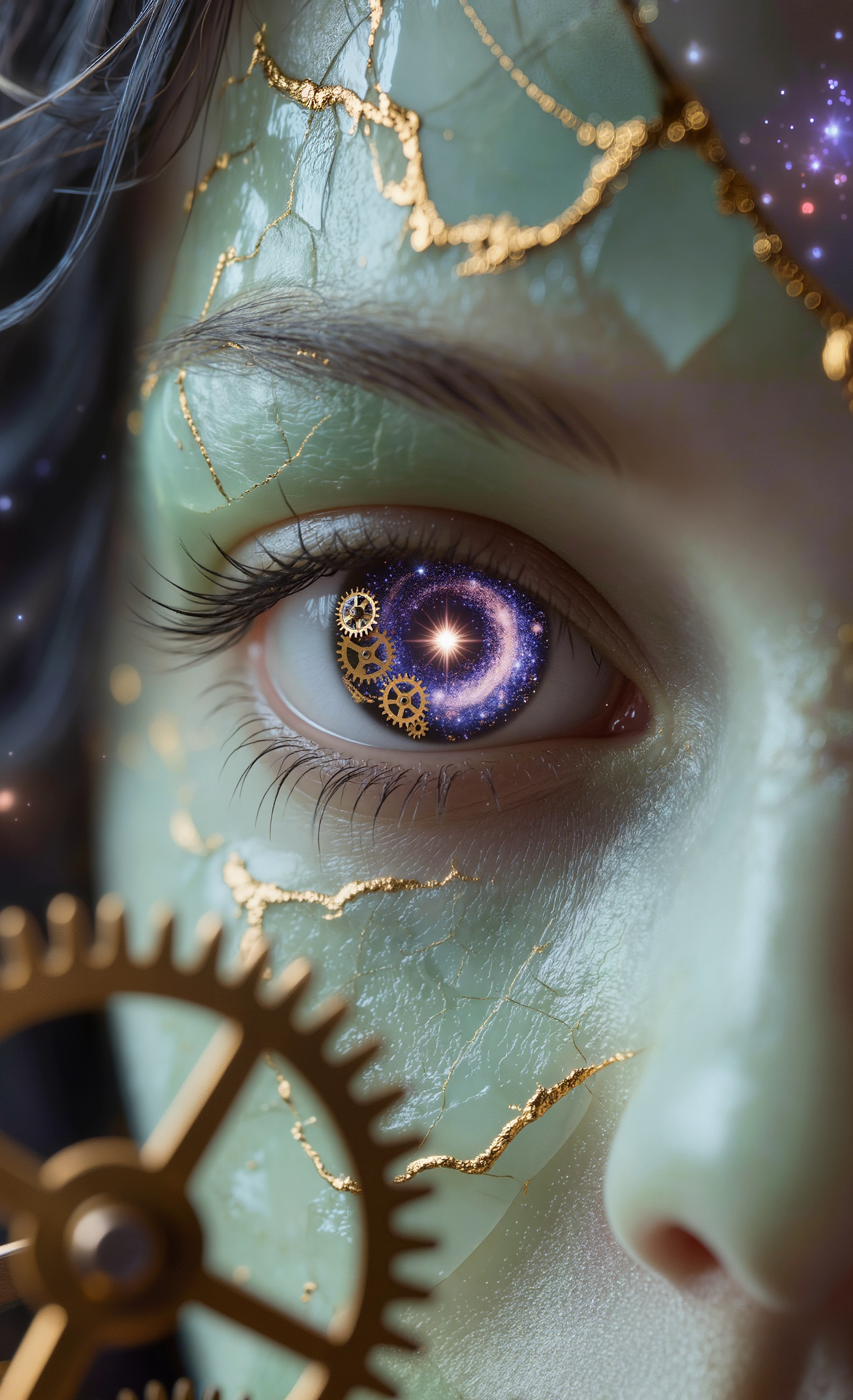
Image-to-image AI took a giant leap in 2026 — what used to require Photoshop expertise is now a one-line prompt. Want to swap a sky, restyle a portrait, remove a stranger, or remix two photos into one? Here’s which engine to use for each job.
Top 6 image-to-image engines
| Job | Best engine |
|---|---|
| Photoreal scene edits | ChatGPT Image 2 Edit |
| Multi-reference remix (up to 8 inputs) | Flux 2 |
| Fine-detail edit + Pro / Max modes | Flux Kontext |
| Stylized restyle / editorial | Seedream 4.5 Edit |
| Local edit with mask (inpainting) | Ideogram 3 Edit |
| Fast cheap iterative edits | Nano Banana 2 |
1. ChatGPT Image 2 Edit — natural scene edits
For "edit the photo but keep it looking like a photo": ChatGPT Image 2 Edit leads. Sky replacement, background swap, outfit change, object removal — all come out with believable lighting.
[INSERT_IMAGE: before/after — sky replacement done with ChatGPT Image 2 Edit]
2. Flux 2 — multi-reference remix
Flux 2 can accept up to 8 reference images and blend them. Want a portrait in the style of three different paintings? Or a product on three different backdrops? Flux 2 is built for it.
3. Flux Kontext — pixel-level edits
For tiny detail work — texture changes, fine retouching, micro-restyles — Flux Kontext’s Pro / Max modes give the highest fidelity.
4. Seedream 4.5 Edit — aggressive restyle
If you want to push a photo into editorial / cinematic / illustrated territory, Seedream 4.5 Edit is the most adventurous and surprisingly controllable.
[INSERT_IMAGE: photo restyled into editorial fashion look with Seedream 4.5]
5. Ideogram 3 Edit — mask-based inpainting
The only model with first-class mask input in this lineup. Provide a mask, get a localized edit — perfect for removing a stranger from a photo, fixing a logo, or replacing a single object.
6. Nano Banana 2 — fast iterative edits
Nano Banana 2 is the daily driver: cheap, fast, good-enough for 80% of edits. Iterate freely then finalize on a premium model.
Tips for cleaner image edits
- Be explicit: "replace sky with overcast cloudy, keep lighting on subject identical".
- State what to preserve: "keep facial identity, hair, clothing".
- Use a mask when possible (Ideogram 3 Edit) for surgical local edits.
- Start from a high-res source — upscaling artifacts will be amplified.
- For multi-reference work, label each input in the prompt ("image 1 = style, image 2 = subject").
How to choose in 30 seconds
- Need a natural photo edit? → ChatGPT Image 2 Edit.
- Need localized fix with a mask? → Ideogram 3 Edit.
- Need to blend multiple references? → Flux 2.
- Editorial / stylized? → Seedream 4.5 Edit.
- Fast cheap iteration? → Nano Banana 2.
- Pixel-level fidelity? → Flux Kontext or Flux 2.
Compare all engines on the Image-to-Image hub.
FAQ
What is image-to-image AI?
An AI workflow that takes a source image plus a prompt and produces a modified version — keeping layout, lighting and subject while changing what you ask for.
Can AI do inpainting / masked edits?
Yes. Ideogram 3 Edit accepts a mask URL alongside the image.
Will AI keep my character’s face?
Most modern engines preserve identity when you say so explicitly. Flux Kontext and Nano Banana 2 are particularly good at portrait identity.
Can I combine multiple photos?
Yes — Flux 2 accepts up to 8 image inputs.