
How to Prompt for Photorealistic AI Images (2026 Guide)
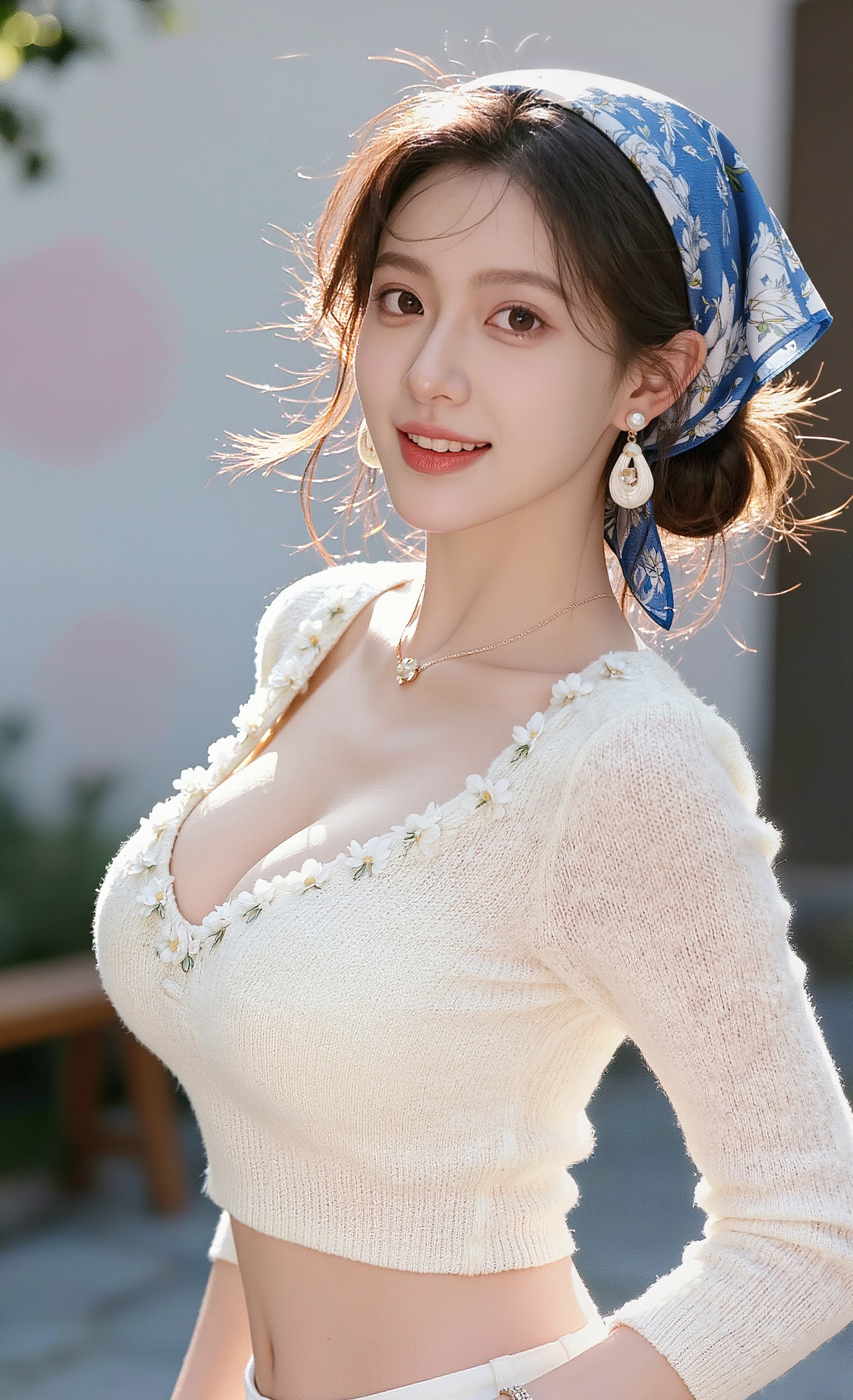
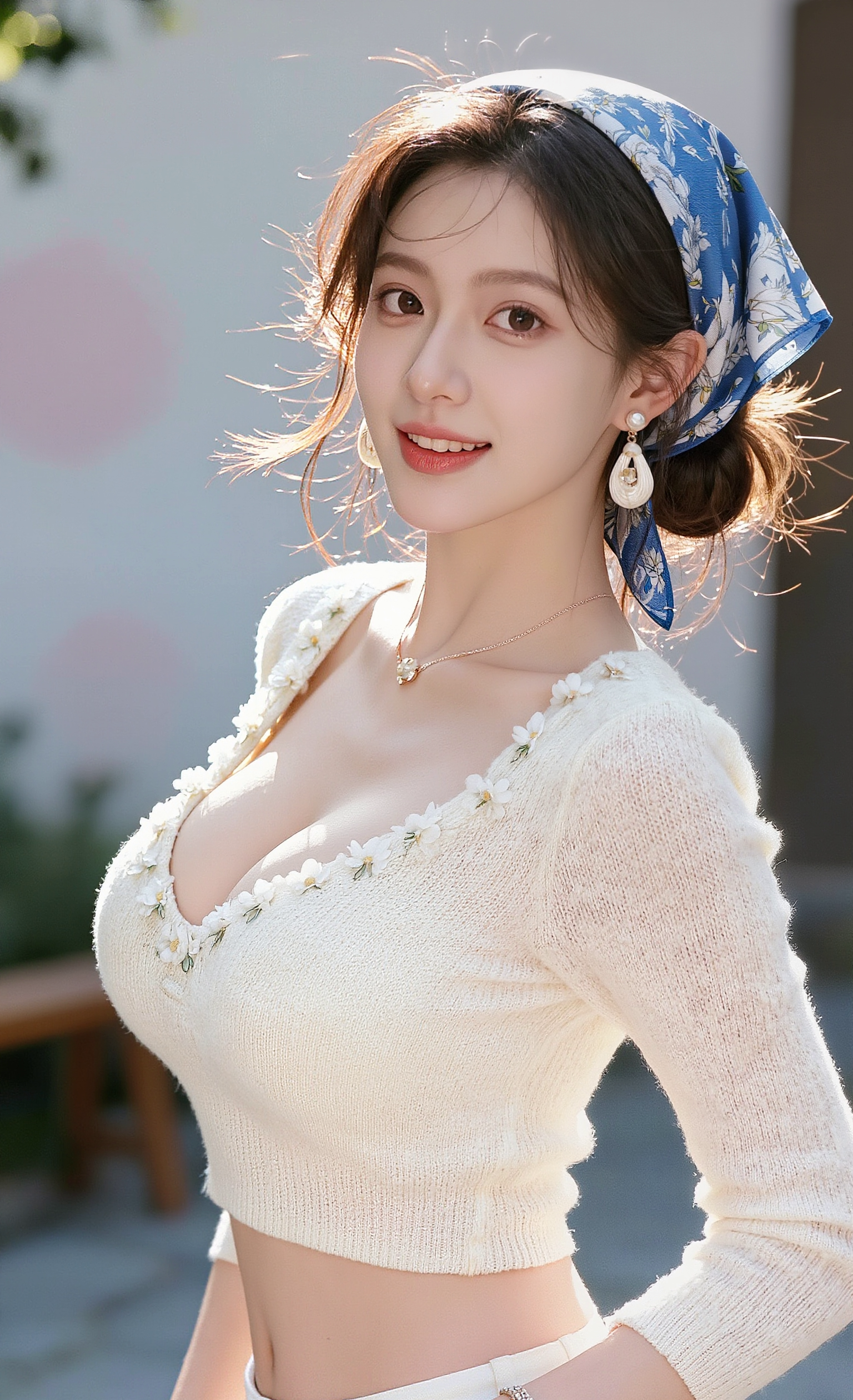
The photoreal formula
[SHOT TYPE] of [SUBJECT + 3 specifics], [LIGHTING], shot on [CAMERA + LENS], [FILM STOCK / GRADE], shallow depth of field, visible skin texture, natural imperfection.
Example
Medium close-up of a 60-year-old fisherman, deep facial lines, sun-bleached cap, holding a coiled rope. Late afternoon side light, shot on Leica M11 + 50mm Summilux, Kodak Portra 400, shallow depth of field, visible skin texture and pores.
[INSERT_IMAGE: result of the example]
Descriptors that flip on photoreal mode
- Camera + lens names (Leica, Hasselblad, RED, 50mm Summilux, 85mm).
- Film stocks (Portra 400, Cinestill 800T, Kodak Gold).
- "Skin texture, pores, natural imperfection."
- "Shallow depth of field" or "f/1.4".
Avoid
- "Hyperrealistic" alone — too generic in 2026.
- Conflicting lighting (golden hour + studio strobe).
- Over-prompting — keep under 60 words.
Best models
Flux 2 (portraits), Imagen 4 (clean studio), Seedream 4.5 (cost-efficient at scale).
FAQ
Why do AI faces still look "off"?
Eyes and teeth. Always re-render with "natural teeth, slightly imperfect, asymmetric eyes" if defaults look CGI.