
Best Image-to-Video AI in 2026: Animate Any Photo
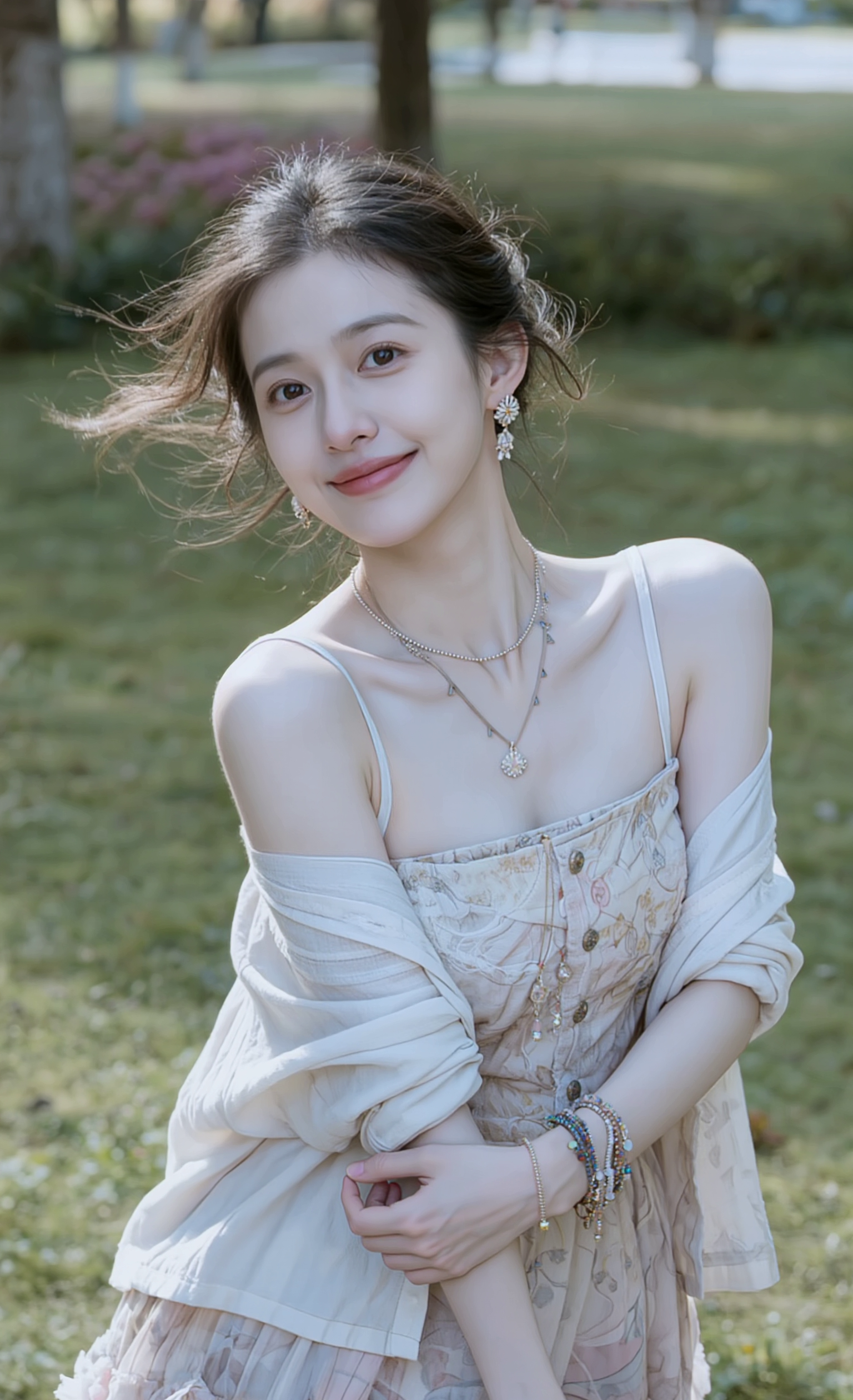
Image-to-video AI turns a still photo into a moving clip — preserving the subject, lighting and style while adding believable motion. In 2026 the technology is finally good enough for production work. Below: which engine to pick depending on your input photo and the look you want.
Top 5 image-to-video models in 2026
| # | Model | Strength | Tier |
|---|---|---|---|
| 1 | Runway Gen-4 | Best identity hold | Pro |
| 2 | Veo 3.1 | Cinematic realism + audio | Premium |
| 3 | Kling 3.0 | Believable motion physics | Premium |
| 4 | Hailuo 2.3 | Faces & portraits | Mid |
| 5 | Wan 2.7 | Camera moves on stills | Mid |
1. Runway Gen-4 — consistency king
Runway Gen-4 still has the best identity preservation. Upload a portrait and it stays your portrait through the entire clip — face shape, clothing, background. Best for ads and product shots where the source matters.
[INSERT_VIDEO: Runway Gen-4 portrait sample — turning head or product slowly rotating]
2. Veo 3.1 — cinematic + audio
Veo 3.1 animates stills with cinematic camera moves and adds synced ambient audio. Premium tier, but worth it when the deliverable is a polished ad or trailer.
3. Kling 3.0 — believable motion
If your photo has flowing fabric, water, smoke or motion-implied composition, Kling 3.0 animates it more believably than any other model. Excellent for fashion stills, action poses, dance shots.
[INSERT_IMAGE: a fashion still that would be a strong Kling 3.0 i2v input]
4. Hailuo 2.3 — portrait & expression
For close-up portraits and faces, Hailuo 2.3 still leads on micro-expression realism. Mid-tier price keeps it cost-effective for daily content.
5. Wan 2.7 — camera-driven feel
Wan 2.7 excels when your prompt is mostly camera language (slow push-in, orbit, crane-up) on top of a static composition.
Pricing
All engines bill in gems per clip. Mid-tier (Hailuo, Wan) costs less per second than premium (Veo, Kling 3.0). See exact gem cost on each engine page — and compare on the Image-to-Video hub.
Tips for cleaner image-to-video
- Use a 1K+ source image. Low-res inputs amplify artifacts.
- Avoid heavy compression / JPEG noise.
- Describe the motion you want explicitly: "slow dolly-in, subject turns head, soft side light".
- For portraits, leave the face area unobstructed.
- Match aspect: 16:9 photo → 16:9 output; 9:16 photo → 9:16 output.
How to choose in 30 seconds
- Need to preserve the source exactly? → Runway Gen-4.
- Need synced audio? → Veo 3.1.
- Photo full of motion? → Kling 3.0.
- Portrait close-up? → Hailuo 2.3.
- Cinematic camera move on a still? → Wan 2.7.
FAQ
What image format works best?
PNG, JPEG or WebP at ≥ 1K. Avoid heavily compressed sources.
Will image-to-video keep my character’s face?
For 5–8 s clips, yes — especially with Runway Gen-4 or Kling 3.0.
Can I write a motion prompt?
Yes — every engine accepts an optional motion prompt alongside the image.
How much does an image-to-video clip cost?
Billed in gems, varies by model and clip length. Exact cost shown on each engine page before generation.