
How to Generate AI Blog Thumbnails That Drive Clicks

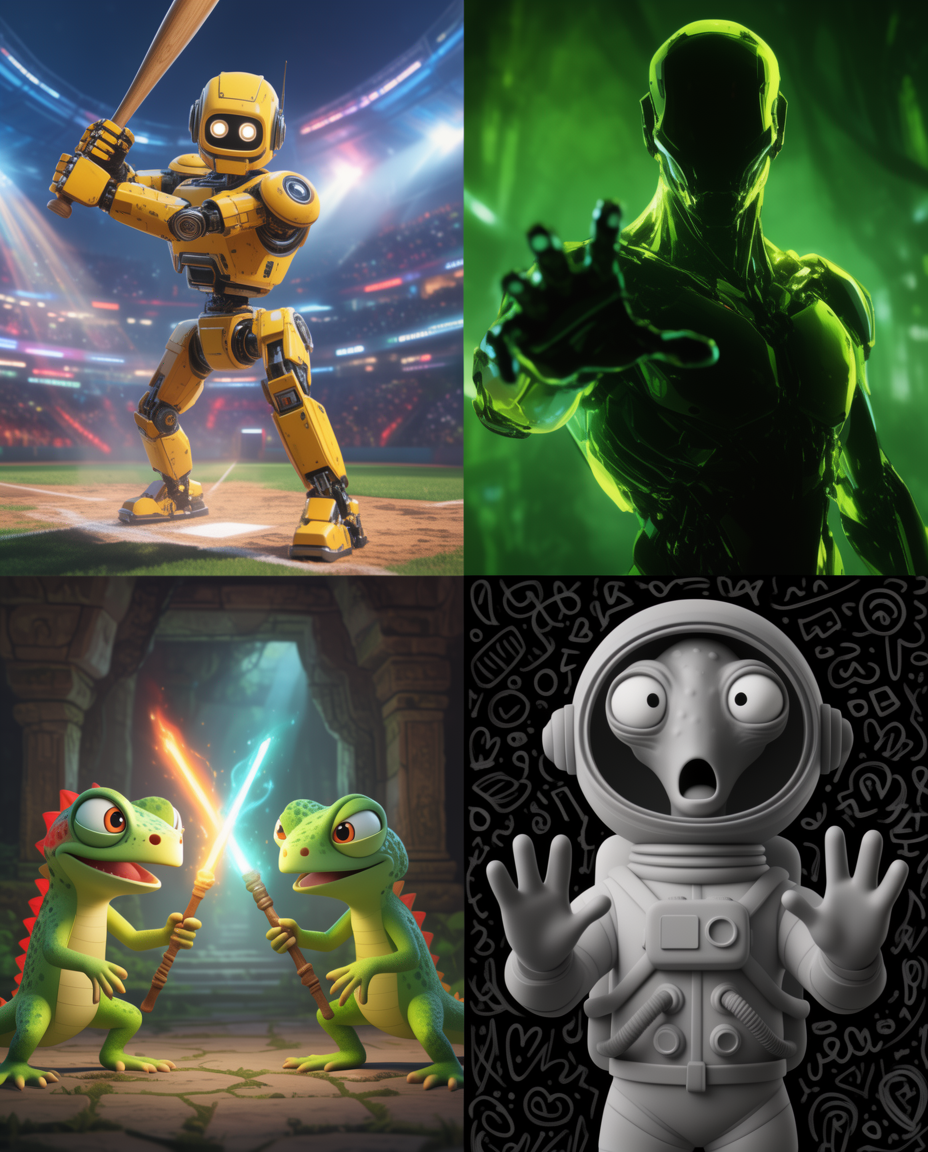
What works in 2026
- Single-subject hero composition.
- One bold color anchor (matches brand).
- Optional text-in-image (1 short phrase, max).
The workflow
1. Pick a model
Text in image → Imagen 4 or Ideogram 3. Pure visual → Flux 2.
2. Use a template prompt
Editorial blog cover, [TOPIC], single subject center, [BRAND COLOR] accent, soft cinematic light, 16:9, room for a 4-word headline top-left.
3. Render 4 alternates
Cherry-pick the one with the cleanest space for headline overlay.
4. Overlay headline in Figma or Canva
Keep typography consistent — same font / weight across all thumbnails.
FAQ
Recommended dimensions?
1200×630 (OG) or 1920×1080 (blog hero). Render slightly larger and crop.