
How to Use Imagen 4: Google's Image AI
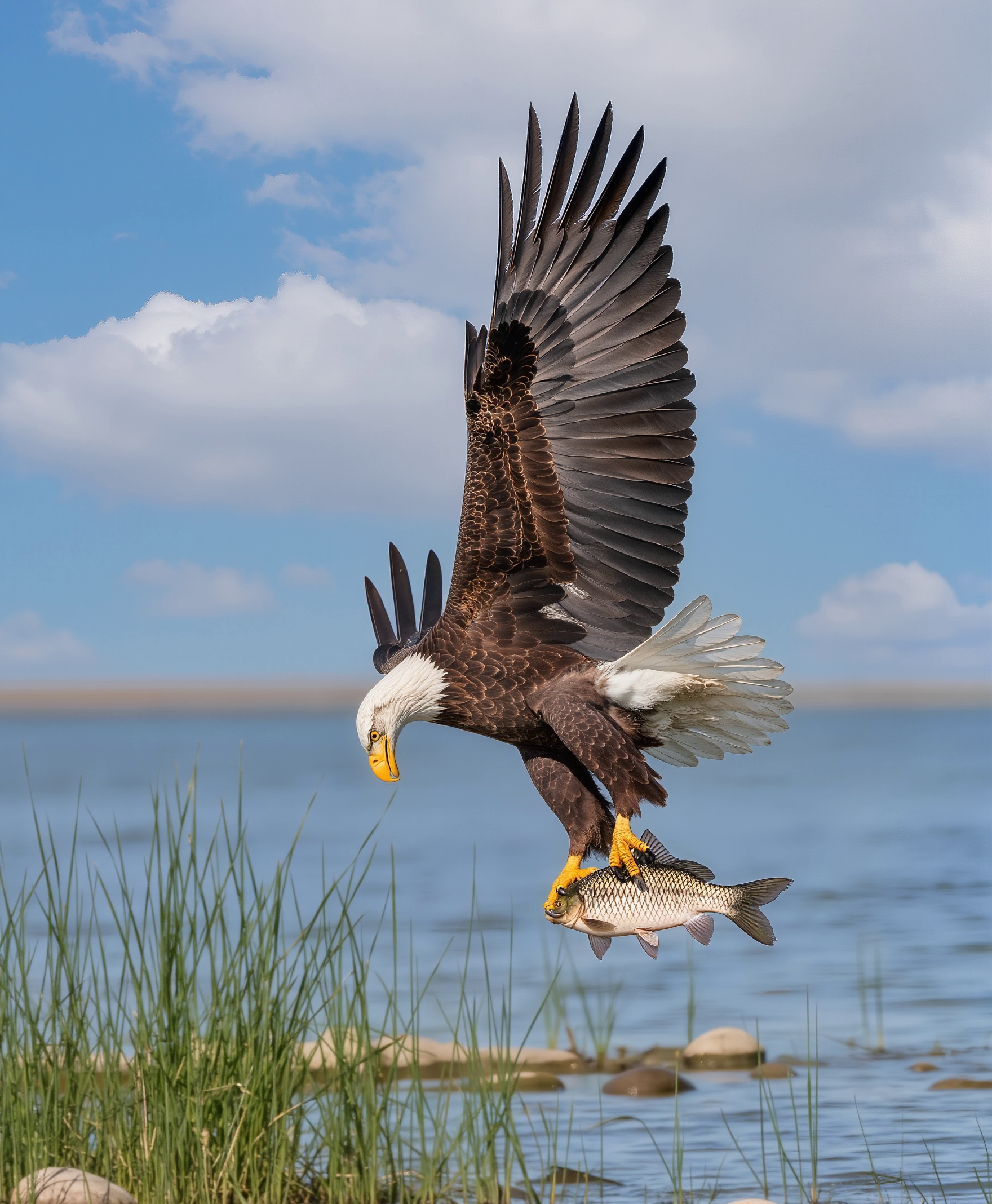
Imagen 4 is Google's text-to-image model, strong on photorealism and natural light. This guide shows how to use Imagen 4 on forvideo.ai.
Step 1 - Choose the tier
Imagen 4 comes in Fast, standard and Ultra. Use Fast for drafts and Ultra for maximum detail on final work.
Step 2 - Write a natural prompt
A quiet mountain lake at sunrise, mirror reflection, soft mist, ultra-detailed, natural color, wide shot.
Imagen 4 excels at landscapes and realistic lighting.
Step 3 - Set aspect ratio
Pick the ratio for your use - 16:9 for hero images, 9:16 for mobile, 1:1 for social.
Step 4 - Iterate
Refine light and atmosphere wording. Imagen responds well to time-of-day and weather cues.
Best uses
- Landscapes and travel imagery.
- Photoreal scenes.
- Blog and hero visuals.
Next steps
See the Imagen 4 prompt guide, the landscape prompt pack, and compare with Flux 2.