
How to Use Seedream 4.5 for High-Res Images
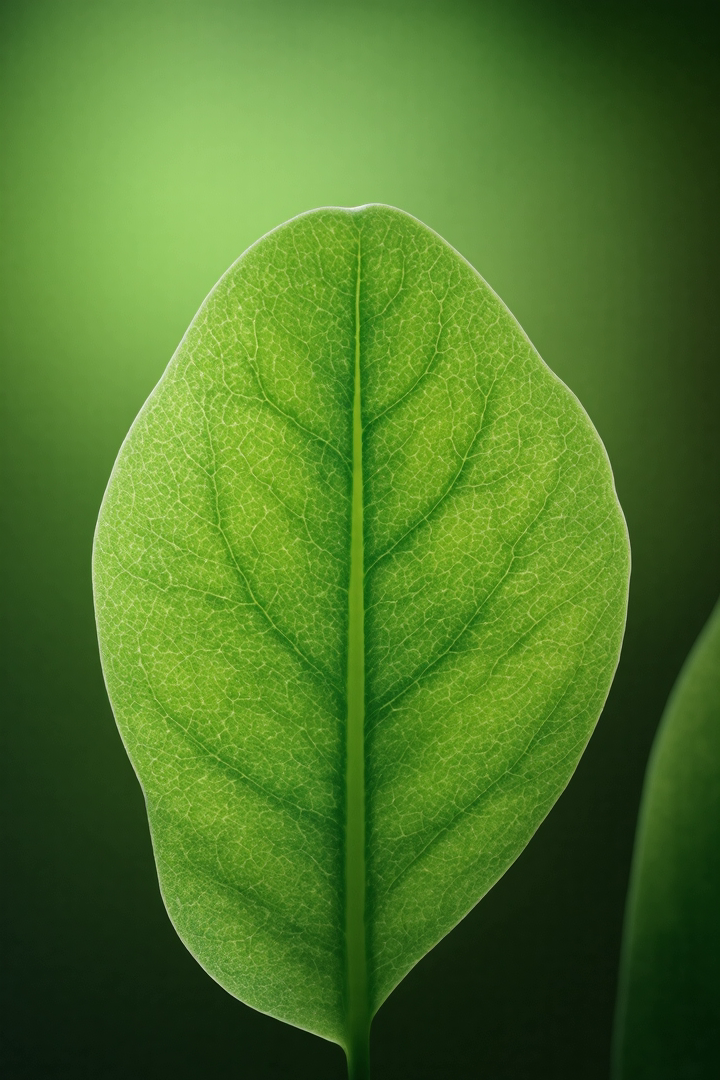
Seedream 4.5 is a high-quality text-to-image model with 2K and 4K output. This guide shows how to use Seedream 4.5 on forvideo.ai.
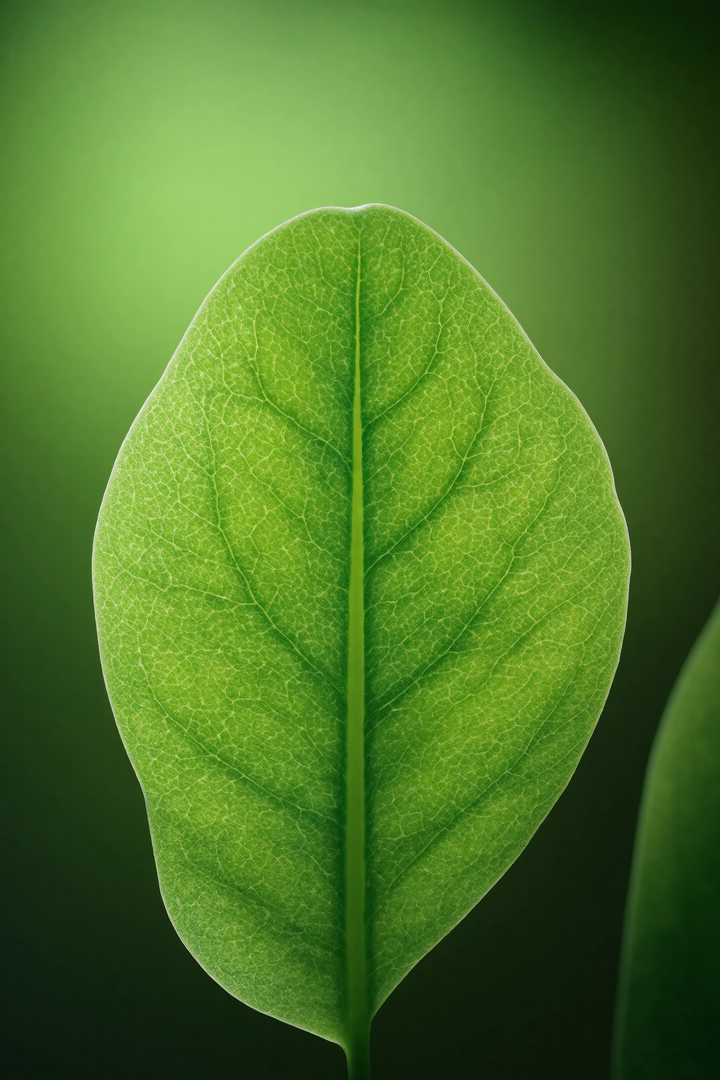
Step 1 - Choose aspect ratio and quality
Seedream 4.5 supports common ratios (1:1, 4:3, 3:4, 16:9, 9:16, 2:3, 3:2) and two quality tiers - basic (2K) and high (4K). Use high for print and hero images.
Step 2 - Write a descriptive prompt
A misty pine forest at dawn, shafts of golden light, ultra-detailed, cinematic wide shot, natural color.
Seedream rewards detail about light, lens and mood.
Step 3 - Generate and refine
Iterate on lighting and composition wording. Small changes - "backlit" vs "side light" - shift the whole image.
Step 4 - Upscale for delivery
Use the high (4K) tier for final assets that need to hold up large.
Best uses
- Blog and hero imagery.
- Landscapes and concept art.
- High-resolution print work.
Next steps
Compare with Flux 2 and Imagen 4, or read the Seedream 4.5 review.