
Nano Banana 2 Prompt Guide: 15 Editing Prompts (Copy-Paste)
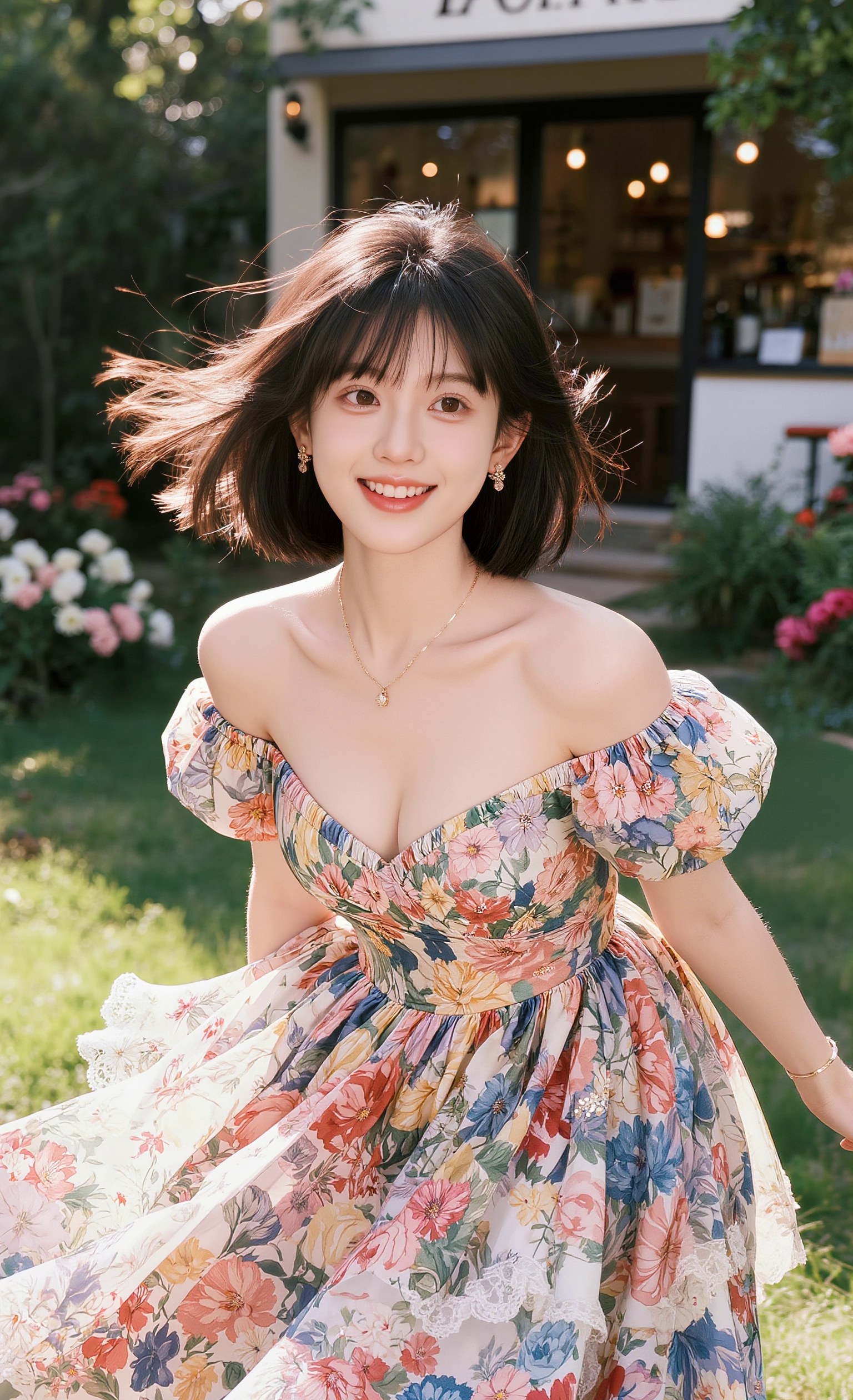
Nano Banana 2 edits images from plain-language instructions. These 15 prompts show the patterns that work best.
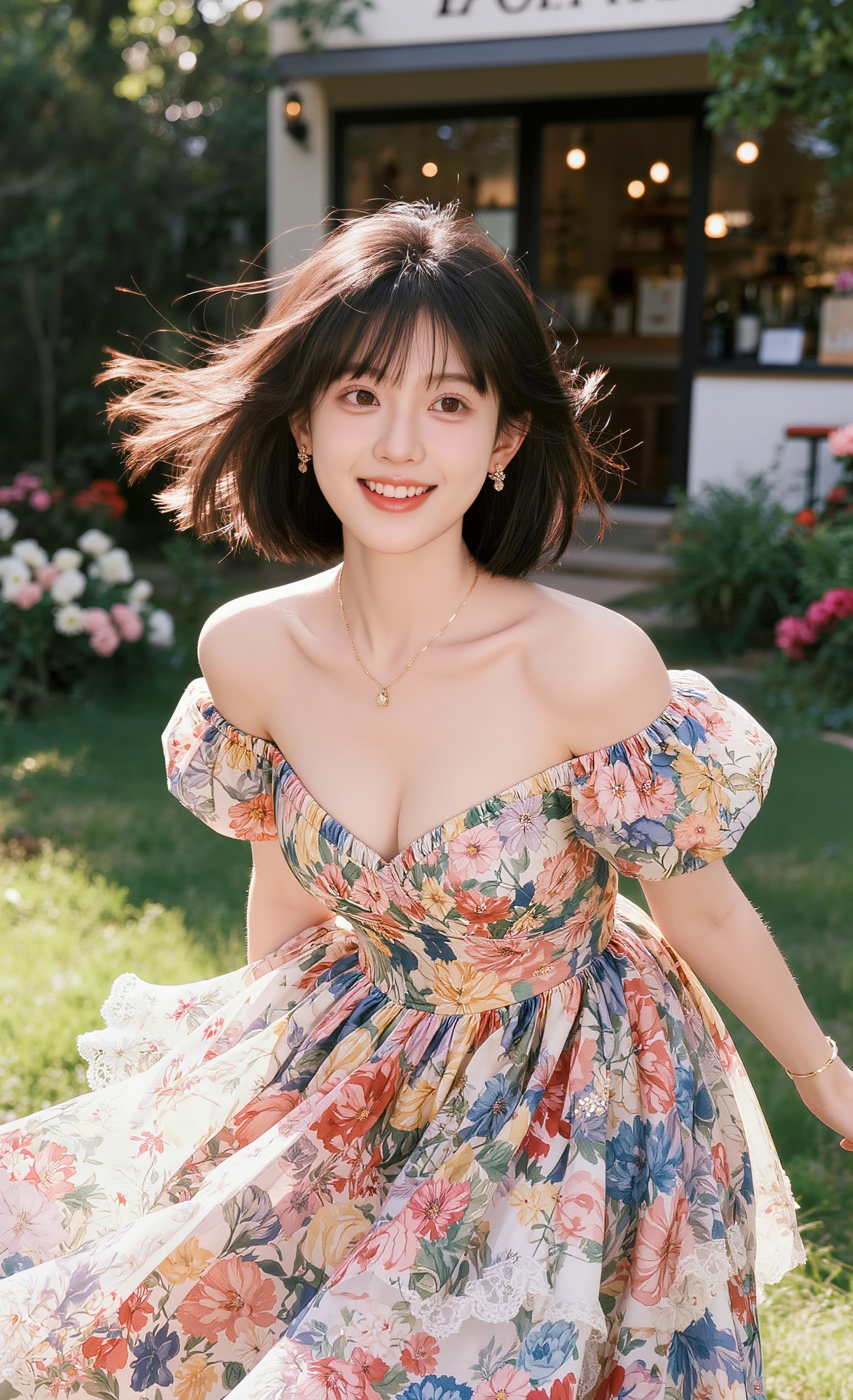
The editing formula
Action + Target + Constraint. Example: "change the background to a beach, keep the subject and lighting unchanged."
Background edits
- Replace the background with a clean studio gray, keep the subject sharp.
- Put the product on a marble countertop, keep reflections realistic.
- Change the sky to golden hour, match the lighting on the subject.
Retouch edits
- Remove the power lines from the sky, keep everything else the same.
- Clean up skin while keeping natural texture.
- Remove the logo from the shirt without distorting the fabric.
Restyle edits
- Make this photo look like a film still, warm cinematic grade.
- Convert to a clean line-art illustration.
- Give it a 90s anime look, keep the composition.
Composite edits
- Add a small dog sitting next to the person, matching light and shadow.
- Place the product in a hand, realistic grip and scale.
- Add soft window light coming from the left.
Extra prompts
- Change the shirt color to deep green, keep the texture.
- Extend the image to a 16:9 frame, fill naturally.
- Turn day into night, add warm interior lights.
Pro tips
- Say what to keep, not just what to change.
- Make one edit per instruction for clean results.
See natural-language editing guide and Nano Banana 2 review.